
Preview installer
ORVO
FreeWindows preview
- Windows x64 standalone preview installer
- VST3 compatible host target in testing
- Built with C++20 and JUCE 8
JESAIAS AUDIO
Independent music software for drawing, performing and discovering new ideas.
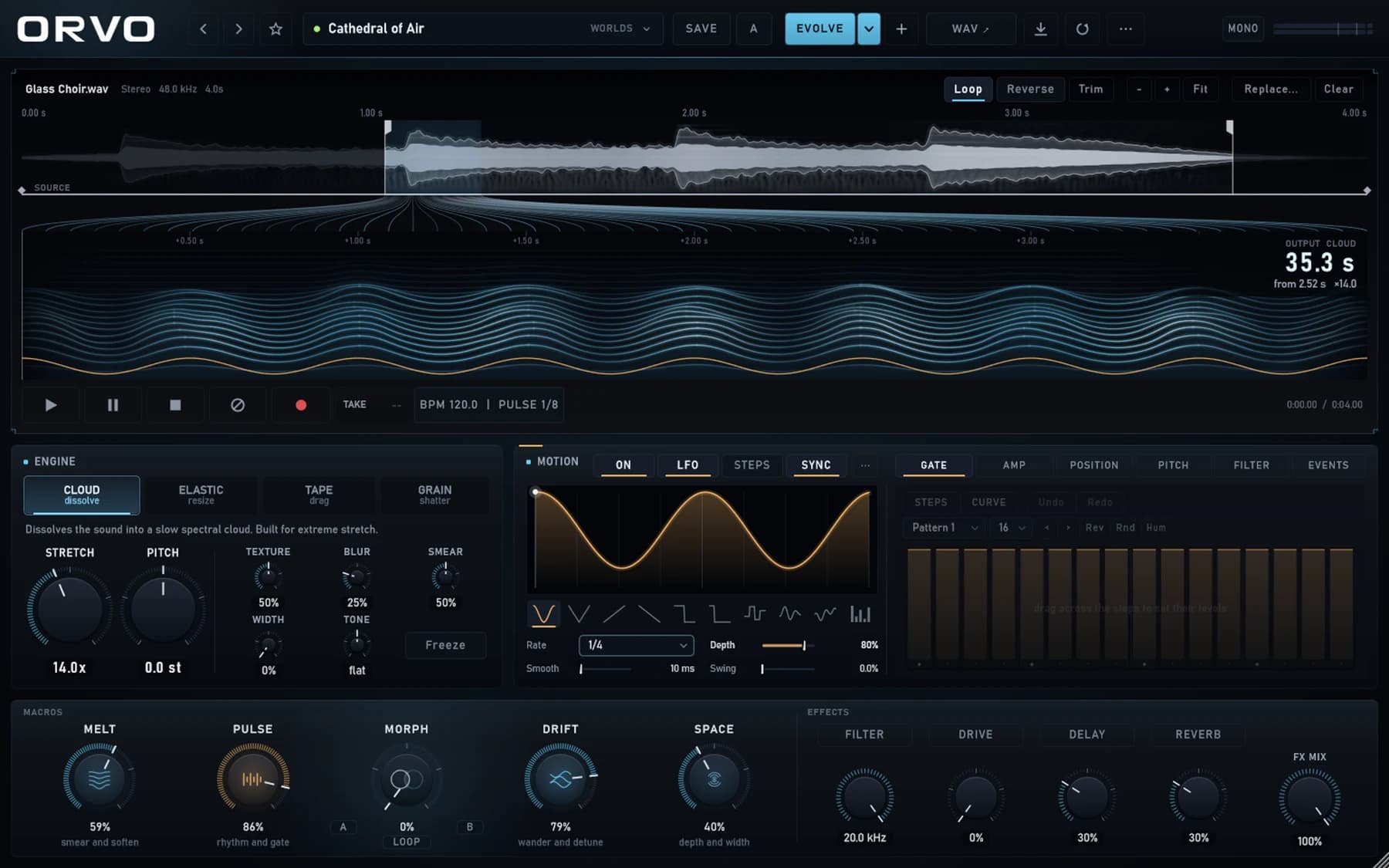
01 Sample transformation instrument
ORVO turns a single sample into evolving clouds, elastic rhythms, tape movement and granular textures through a tactile performance interface.
Bring in any sample and define the playable region.
Move between stretching, tape, cloud and granular engines.
Animate the result with PULSE, LFOs, macros and effects.
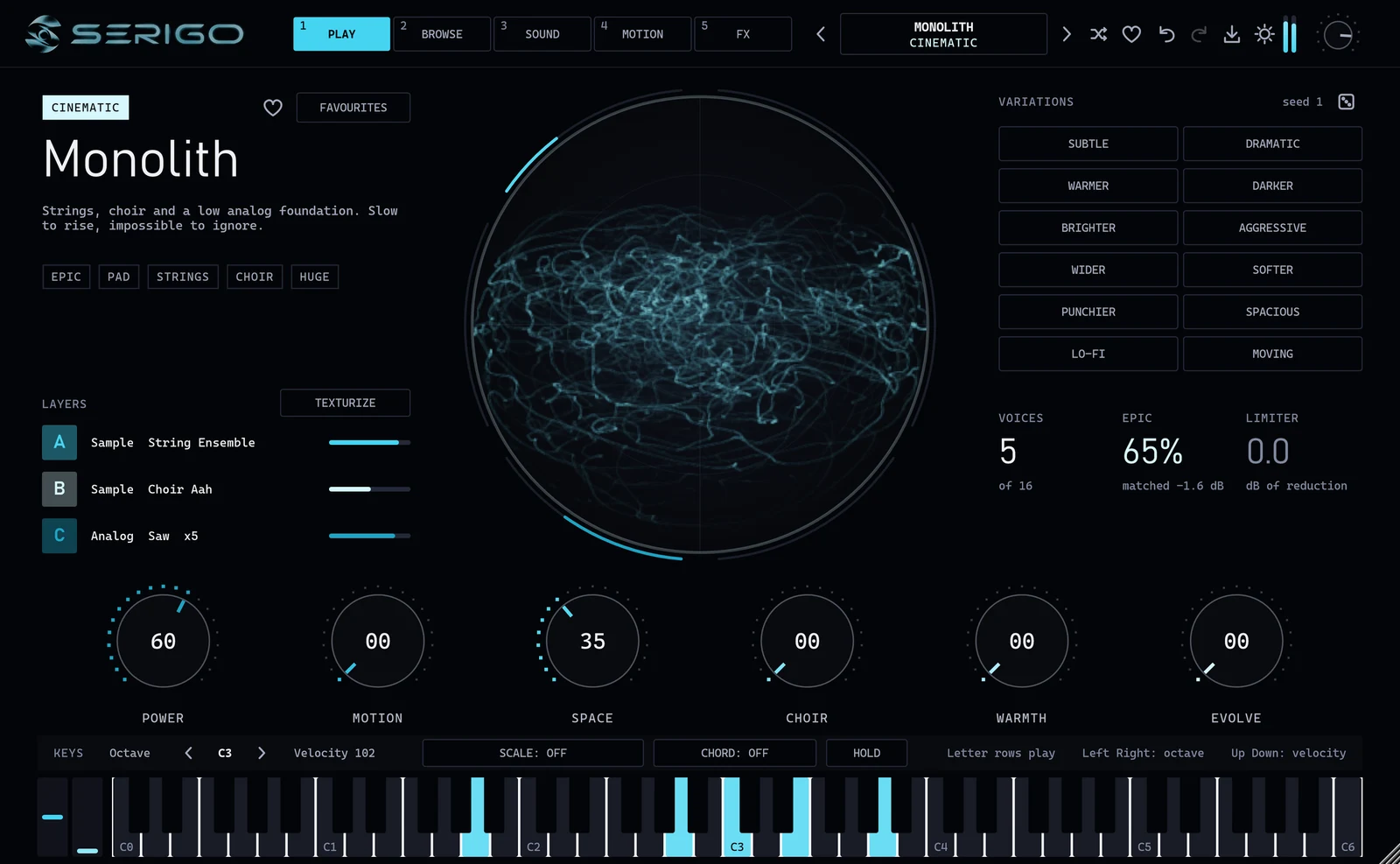
02 Hybrid synthesizer
SERIGO layers analog, wavetable, sample and granular engines into one cinematic synthesizer, with 1,032 factory presets and one-click variations.
Start from 1,032 factory presets or build from scratch.
Stack three layers of analog, wavetable, sample and granular sound.
Morph with variations, macros, motion and an effects rack.
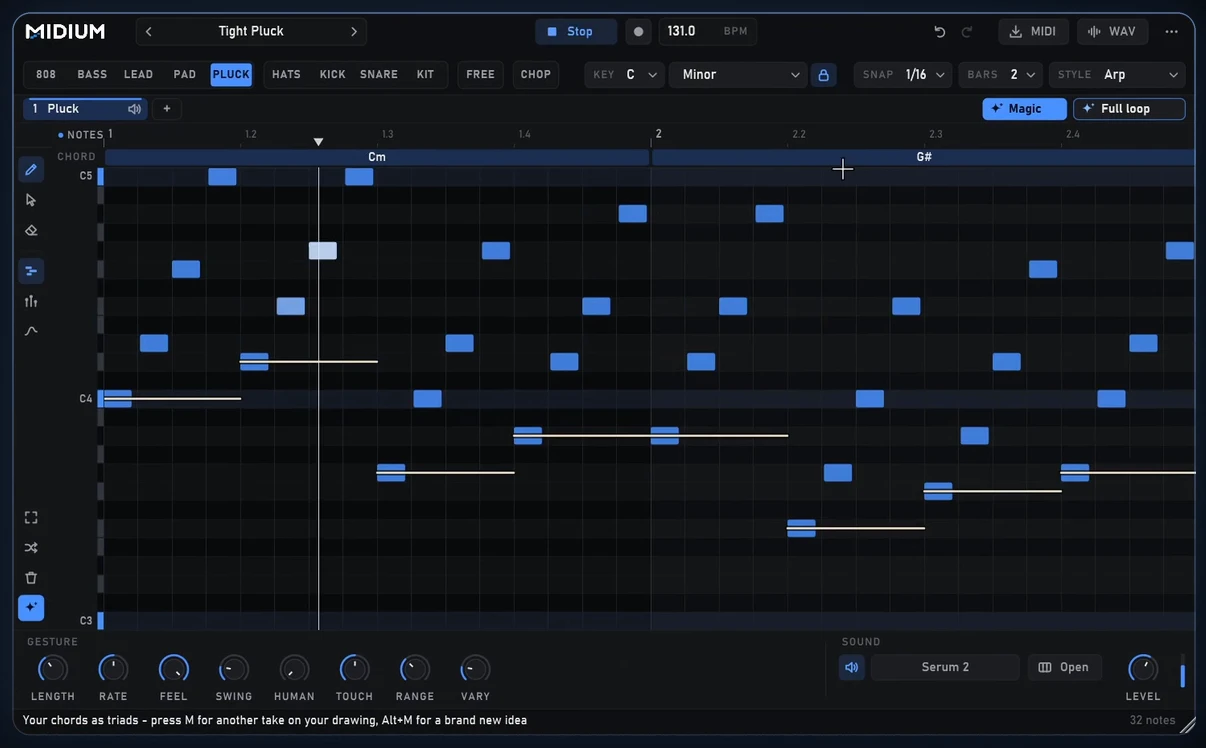
03 Visual MIDI instrument
MIDIUM is a visual MIDI instrument that lets you create melodies, basslines, drums and patterns by drawing them instead of placing every note individually.
Sketch rhythm, pitch and velocity directly.
Quantize, scale-lock and refine the result.
Drag the finished MIDI into your DAW.
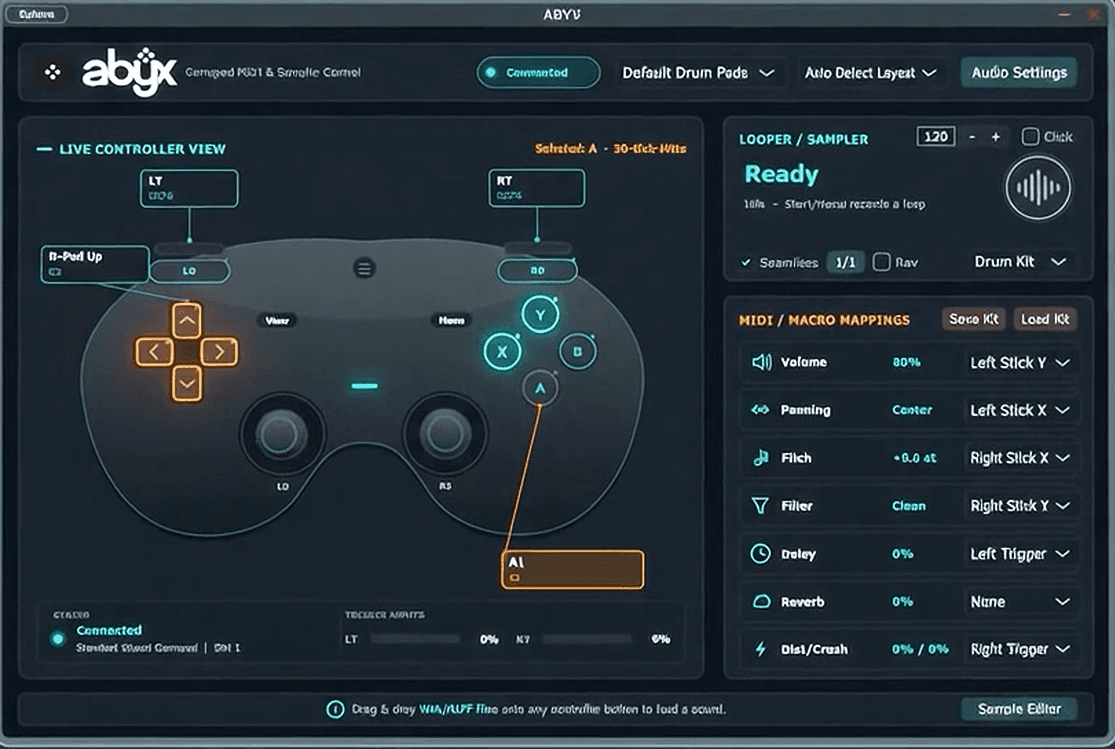
04 Gamepad music instrument

Assign sounds, instruments and effects to a gamepad. Perform beats, manipulate parameters and discover a different way to interact with your DAW.
Assign sounds and functions to controller input.
Play beats and manipulate effects physically.
Capture controller performances inside the workflow.
Shared philosophy
ORVO transforms sound, MIDIUM replaces note-by-note programming with drawing, and ABYX turns a familiar controller into an instrument. Each tool explores a more immediate way to make music.
Compare
| Feature | ORVO | SERIGO | MIDIUM | ABYX |
|---|---|---|---|---|
| What it is | Sample transformation instrument | Hybrid synthesizer | Visual MIDI instrument | Gamepad music instrument |
| Best for | Sound design and turning samples into new instruments | Cinematic layered sounds, pads, leads and brass | Sketching melodies, basslines and drum ideas fast | Playing beats and effects live with a gamepad |
| Played with | Sample + macros | Keys, presets and macros | Mouse / pen drawing | Xbox / PlayStation controller |
| Formats | Windows x64 standalone (VST3 in testing) | VST3 + Windows standalone | VST3 + Windows standalone | VST3 + Windows standalone |
| Status | Preview installer | Early release | 30-day trial | 30-day trial |
| Price | Free Windows preview | Free download | $10 license key | $10 license key |
Downloads
ORVO has a free Windows preview installer. MIDIUM and ABYX include 30-day trials for their Windows standalone apps and VST3 packages.
Preview installer
FreeWindows preview
Early release
Freedownload
30-day trial
$10license key
30-day trial
$10license key
Updates
Support
Still stuck? Write to the person who builds it.
Email supportMIDIUM and ABYX are free to try for 30 days. After that, enter a license key to keep using them. One $10 purchase unlocks the VST3 plugin for compatible DAWs and the Windows standalone app.
The standalone apps are Windows-only for now. MIDIUM and ABYX ship as VST3 plus a Windows standalone app. ORVO is a Windows x64 standalone preview while VST3 compatibility is tested.
ORVO is a preview build. It is free to download and test, but it may change before a formal release, and final compatibility details are still being confirmed.
Xbox and PlayStation style controllers are the beta target. Wired connections are recommended, and detection can vary by driver and connection type.
Email linasjesaias@gmail.com. Include your DAW, Windows version and the product you are using, and you will get a reply from the person who builds it.