
A sample becomes an evolving cloud.
The sound is spread into a cloud that keeps evolving while you hold it.
Use it for pads, beds and atmospheres.
Sample transformation instrument
Load a sound, choose a transformation engine and shape it with PULSE sequencing, drawn motion, four LFOs, macros and a complete effects rack. ORVO is designed for the moment a familiar sample needs to become an entirely new instrument.
Standalone preview build available for Windows x64.
How you use it
Load a sound once. Each engine takes it somewhere different, and you can move between them without loading it again.
The sound is spread into a cloud that keeps evolving while you hold it.
Use it for pads, beds and atmospheres.
Stretch the sound against the tempo and let the PULSE gate sequencer cut a pattern into it.
Use it for gated phrases and moving loops.
The sound is treated like a reel of tape, with the movement that comes with one.
Use it for wobble and worn-in character.
The sound is cut into grains and rebuilt as a granular texture.
Use it for textures built from a single recording.
Interface demonstration
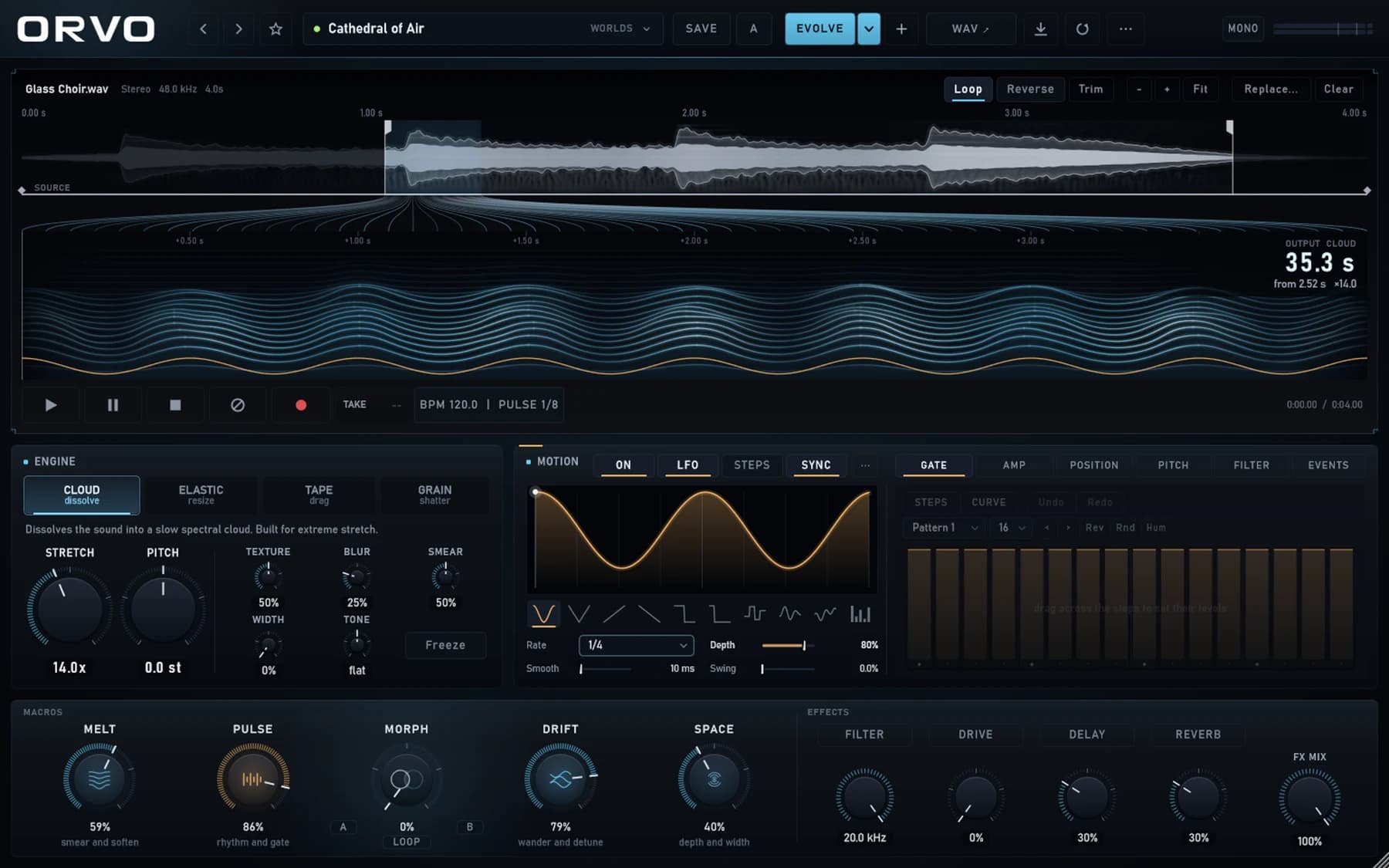
ORVO turns a single sample into evolving clouds, elastic rhythms, tape movement and granular textures through a tactile performance interface.
Bring in any sample and define the playable region.
Move between stretching, tape, cloud and granular engines.
Animate the result with PULSE, LFOs, macros and effects.
Core features
Cloud, Elastic, Tape and Grain transformation engines
Tempo-synced PULSE gate and motion sequencer
Four LFOs with flexible modulation routing
Melt, Pulse, Drift and Space performance macros
Filter, drive, delay and reverb effects rack
Rendered audio workflow for returning transformed sound to the DAW
Specs
Preview installer
Download the Windows x64 setup installer to test the standalone ORVO preview. Treat it as an evolving build, not a finished commercial release.
Questions
No. It is a preview build: free to download and test, and it may change before a formal release.
The preview is a Windows x64 standalone app. A VST3 version is being tested and is not part of this download yet.
Yes, that is the point of it. Bring in a sample, set the region you want to play, and choose an engine.
ORVO renders the transformed sound to audio, which you then bring back into your DAW.
Not yet. The preview runs on 64-bit Windows.
Changelog